Photos
1 / 5
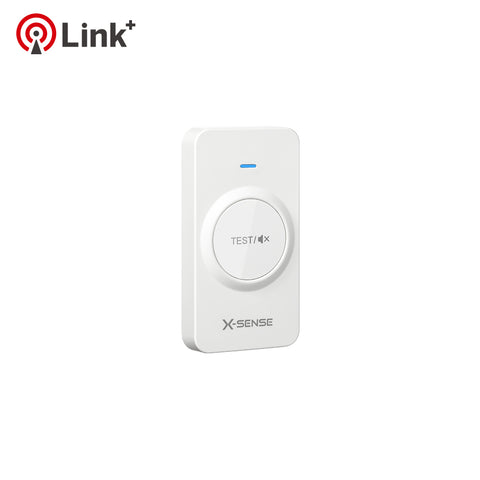
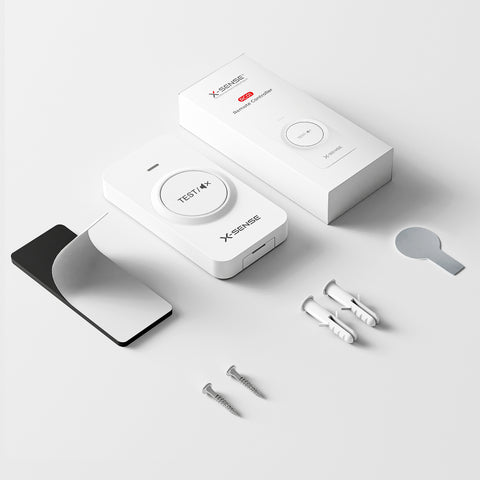
RC01 Pro Remote Controller - 1-Pack
Function
  • Easy Test/Mute Alarms
  • Supports Link+ Devices Only
Quantity
Select Option
  • 1-Pack

    1-Pack

    $18.99 Save $0.00

Service
  • Free Shipping Over $49
  • 5-YEAR WORRY-FREE WARRANTY
    60-DAY MONEY BACK GUARANTEE
  • Payment method
    American Express Apple Pay Diners Club Discover Google Pay JCB Mastercard PayPal Venmo Visa
In Stock—Estimated Delivery in 3-7 Business Days
RC01 Pro Remote Controller - 1-Pack
banner

Act in Advance

RC01 Remote Controller for Link+ Wireless Interconected

banner

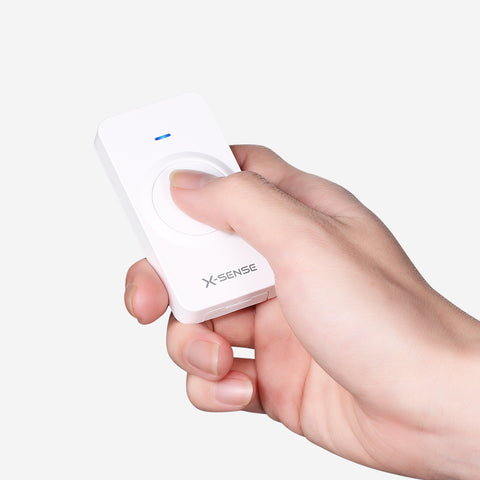
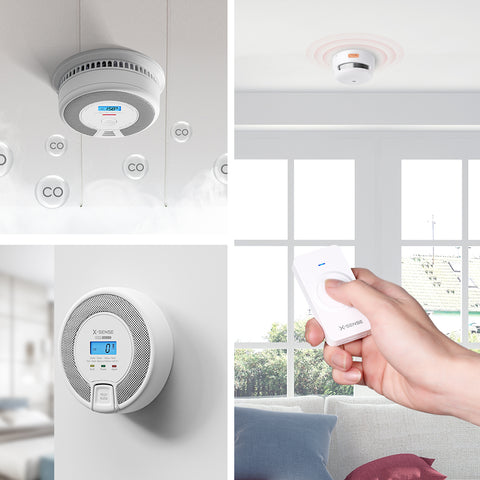
One Button to Test & Hush

Easily test and silence all interconnected alarms without the need
for ladders, broom handles, or sticks

  • banner

    Pair the Remote Controller with the X-SENSE Alarm

    • Press the test/silence button on one of the interlinked detector group 4 times. The unit will beep once, and the red LED will flash slowly, indicating it is waiting for a new unit to be added.
    • Press the test/silence button on the remote controller twice. The LED will flash rapidly, indicating it is searching for a device to connect to.
    • After successful linking, the alarm will beep once and automatically exit the pairing mode.
  • banner

    Test the Wireless Connection Between Alarms

    • Hold the test button while within wireless range. The LED indicator on the remote controller will flash.
    • After the alarms have received a signal (takes about 7 seconds), their LED indicators will flash and the alarms will sound continuously.
    • Release the test button. The LED indicator on the remote controller will stop flashing, indicating that the testing has ended.
  • banner

    Silence the Alarms

    Simply press the test button to silence the alarms when non-emergency smoke (e.g. steam) causes nuisance alarms.

    During an alarm state, press the test button once and all the interlinked alarms but the initiating alarm will be silenced. Press again to silence the initiating alarm. The LED indicator on the remote controller will blink blue with each press.

  • banner

    Test the Remote Controller’s Power Status

    In standby mode (non-alarming state), when you press the test button, the LED indicator on the remote controller will blink blue, indicating a normal power supply.

Technical Specifications

  • Transmission Frequency

    868 MHz / 915 MHz

  • Remote Controller Range

    15 m (in open air)

  • Operating Temperature

    0–50°C

  • Battery Type

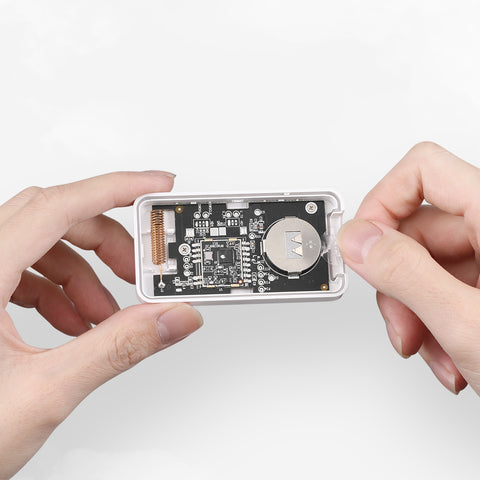
    3 V CR2032 Lithium Battery

  • Battery Life

    1 Year

FAQs

What are the differences between the RC01 Pro and RC01?

The RC01 Pro is the upgraded version of RC01, which is compatible with the X-Sense Link⁺ series wireless interconnected alarms. The only difference between them is the method of pairing with the X-Sense Link⁺ series wireless alarms.

How do I silence the wireless interconnected alarms?

Simply press the test/silence button to silence false alarms caused by fumes from cooking, cigarette smoke, etc.

How do I pair this with the Link⁺ series wireless interconnected alarms?

  • Create an interlinked group of wireless alarms by following the operating instructions included with the device packaging.
  • Press the test/silence button on one wireless interlinked alarm in the interlinked group 4 times.The unit will beep once, and the red LED will flash slowly, indicating it has entered pairing mode and is waiting for a new unit to be added.
  • Press the test/silence button on the remote controller twice. The LED will flash rapidly, indicating that it is searching for a device to connect to. After successful linking, the alarm will beep once and automatically exit the pairing mode.
  • After this, the alarm will only flash once per minute, indicating that it is in normal monitoring mode. The LED indicator on the remote controller will light up for about 3 seconds, then turn off.


RC01:

  • Press the test button 4 times to enter pairing mode. The LED indicator on the remote controller will flash continuously.
  • Once pairing is successful, the LED indicator will light up and then go out in about 3 seconds, indicating that the controller has exited pairing automatically. Alternatively, you can press the test button again to exit pairing.

What type of battery is included? How long will it last?

It is equipped with a CR2032 button cell that will last one year.

How can I test the battery status of the remote controller?

In standby mode (non-alarming mode), if you quickly press the test/silence button on the remote controller, the LED indicator will flash blue, indicating normal operation and a sufficient battery level.

Customer Reviews

Based on 4 reviews
100%
(4)
0%
(0)
0%
(0)
0%
(0)
0%
(0)
A
Anonymous
This remote works great

This remote works great. No need to get a ladder out to test your smoke detectors so you're more likely to actually test them periodically. I believe periodic testing is even more important for detectors that have a 10 year battery life. The added feature of silencing the alarms remotely is also very useful, particularly if you have false alarms from activities such as cooking.

M
Mike
Remote works great! Very convenient when testing

Remote works great! Very convenient when testing.

J
Jan de Boer
..

..

M
MANUEL ALVAREZ
Added convenience

The remote provides an added convenience. I put one on every floor fastened to the wall near my primary light switch.